

FIT Concourse Syllabus and Related Resources
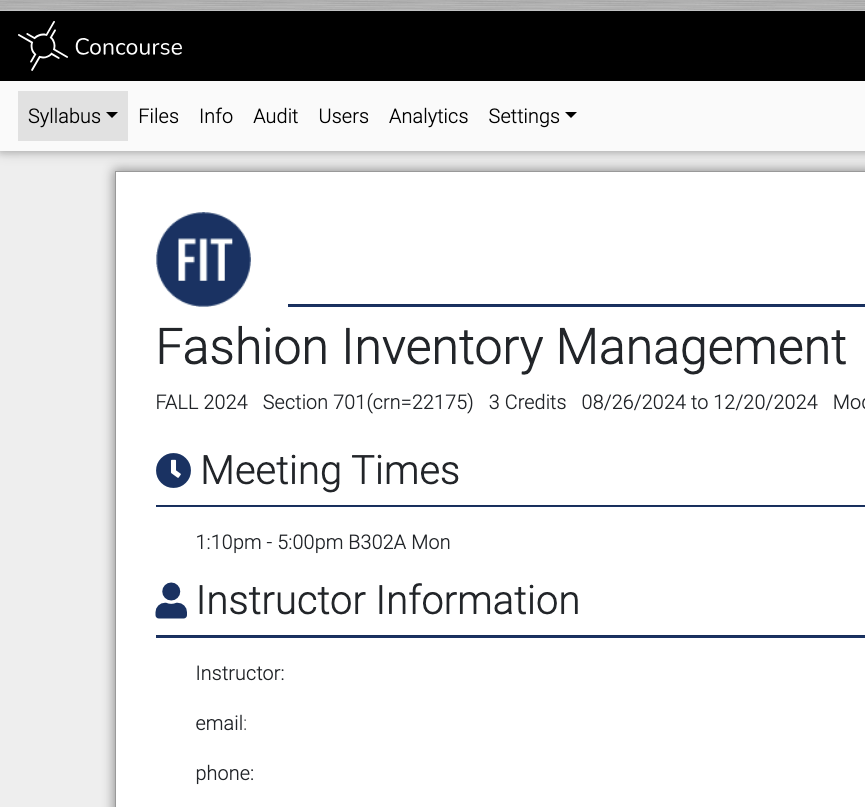
The FIT Concourse Digital Syllabus
Concourse Syllabus is a campuswide, syllabus template that includes accurate information including:
- Course Title, CRN, location and meeting time.
- Course Description and Learning Outcomes.
- FIT resources, policies.
The syllabus must be created in Brightspace. There, you can build and/or edit your course syllabus and share it with your classes. All basic content is updated twice daily during the semester which means a change in location will be updated within 12 hours.
Below are links to help with your preparations. If you need additional support, contact the Office of Online Learning and Academic Technology, Analise_Sanchez
Training Resources
Tutorial: How to add Concourse Syllabus to your Brightspace Course
Heres how to copy parts of your syllabus from a previous semester
On-Demand Training contains detailed instructions on how to build each area of your syllabus and how
to copy your syllabus to other semesters.
For problems using this product please email: [email protected] they respond within the 12 hours.